Session pulse
A small pulse at the foot of your chat list that says how strongly you run today, in five levels, with the numbers and your agent environments behind it
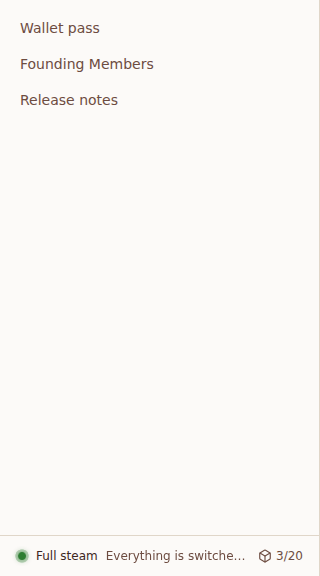
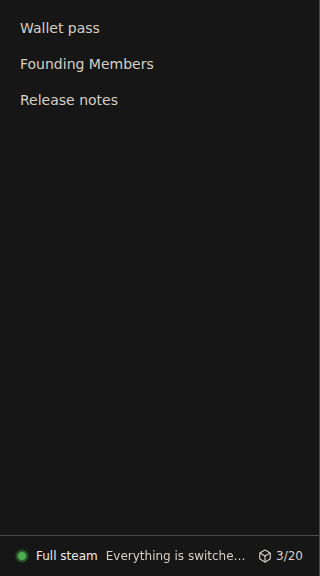
A small pulse sits at the foot of your chat list, where the Agent environments counter was. It says, in one line, how strongly you run today, and grows calmer or brighter with it. Beside it, your environments in use stay in view.
The session pulse is being rolled out and may not be on for your account yet.
How it works, layer by layer
| Layer | What happens | Where |
|---|---|---|
| 1. Signals | Today in your time zone: chats running now, tokens as Usage counts them, pull requests merged. The last 30 days for your typical day, best day and run. | The same queries as Usage, the phone widget and the Wallet pass |
| 2. Level | Each signal reaches a level against its four steps; the strongest one sets it. Tokens count against your typical day. | Computed once, on the server |
| 3. Words | One phrase for the level, in Dutch or English, changing every ten minutes and the same on every device. | Your own phrases, or n8v's |
| 4. Display | The orb's motion grows with the level; the opened view shows the numbers, your records and your agent environments. | Web and desktop now, iPhone next |
| 5. Record | Every change to steps, phrases or language goes into your audit log, by part, never the phrase text. | Settings, API, MCP |
Levels
| Level | Dutch | English | Motion |
|---|---|---|---|
| 1 | Goed bezig | Good going | A slow, dim breath |
| 2 | Lekker bezig | In the groove | A soft ring |
| 3 | Krachtig bezig | Running strong | A wider ring, a little quicker |
| 4 | Op stoom | Full steam | Two rings and a glow |
| 5 | Krachtcentrale | Powerhouse | Two quick rings, the brightest glow |
Three signals count, each read for today in your own time zone:
| Signal | What counts | Default steps for levels 2 to 5 |
|---|---|---|
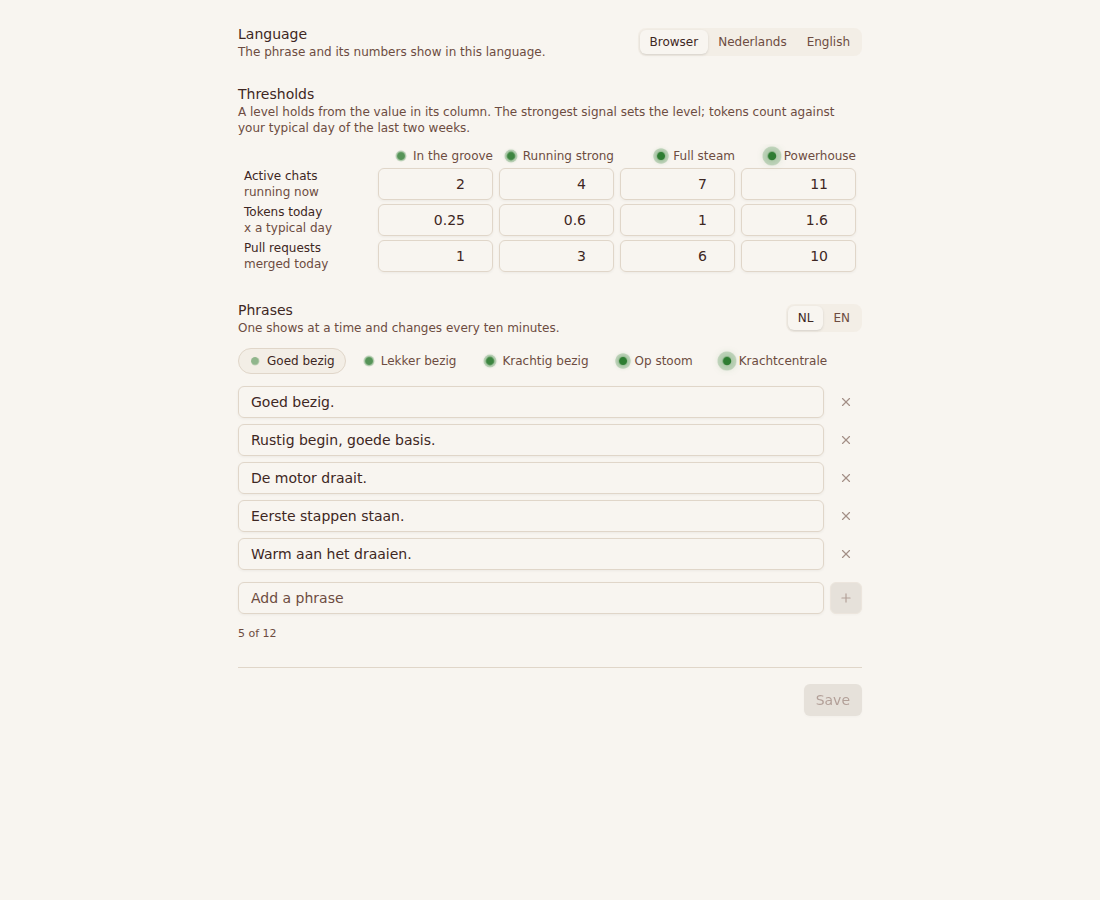
| Active chats | Chats whose agent runs or waits to run now, not archived (the same count as the phone widget) | 2, 4, 7, 11 |
| Tokens today | All tokens, cache reads included, as Usage counts them, against your typical day | 0.25, 0.6, 1, 1.6 typical days |
| Pull requests merged | Pull requests from your chats merged today | 1, 3, 6, 10 |
The strongest signal sets the level: each step is enough on its own. Your typical day is the median of the last 14 days that had tokens; with fewer than three such days, tokens count against fixed steps of 50 million, 250 million, 1 billion and 3 billion.
With reduced motion on in your system, the orb stays still and only its brightness says the level.
The numbers behind it
Hover the pulse, tap it, or press Enter on it. You see the level, today's numbers, what the next level needs on each signal, and which signal set it. Under them:
- Best day, In a row, Merged, ever: your best day of the last 30, the days in a row you worked, and every pull request your chats have merged, counted as your Wallet pass counts them.
- Agent environments: how many run against your limit, and when all are in use, how many chats wait and why. They start as soon as one finishes. A Founding Member also sees their time today.
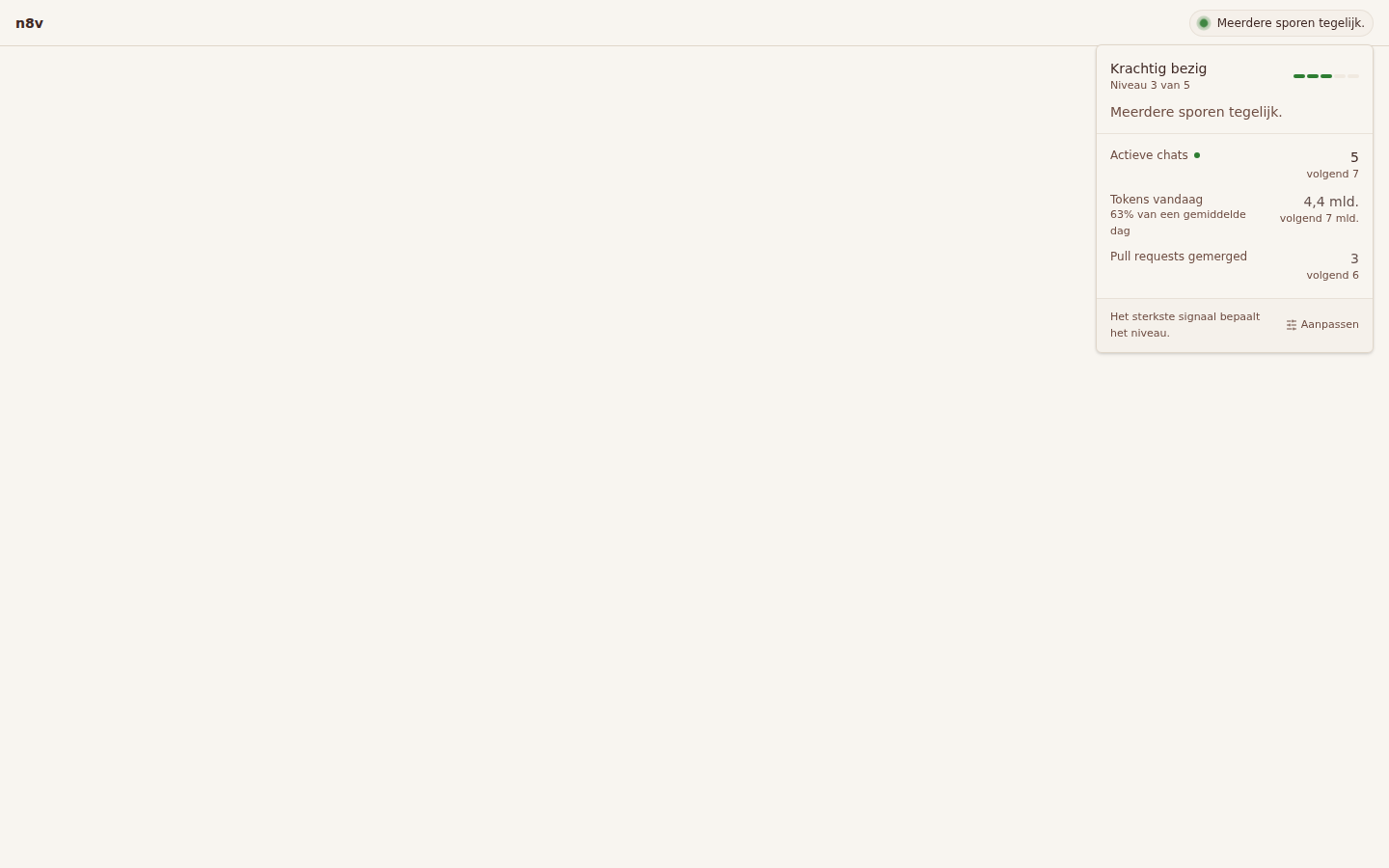
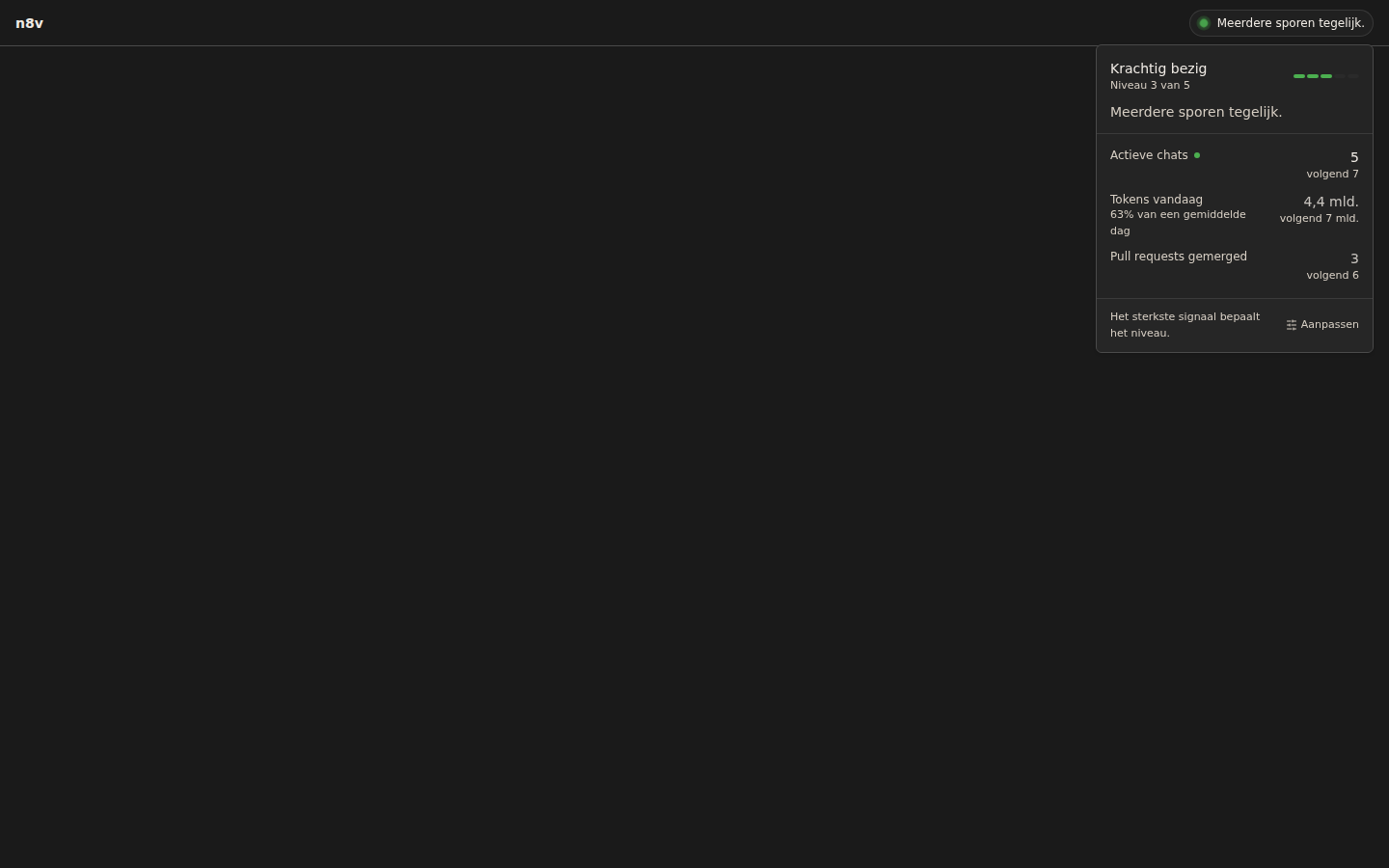
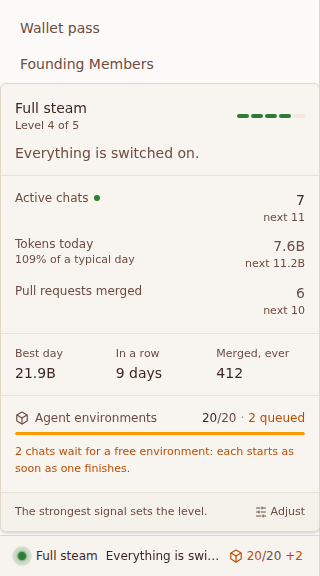
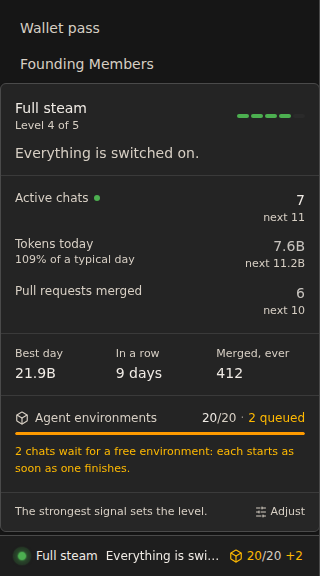
On a phone the pulse sits above your chat list; a tap opens the same view.
No ceiling
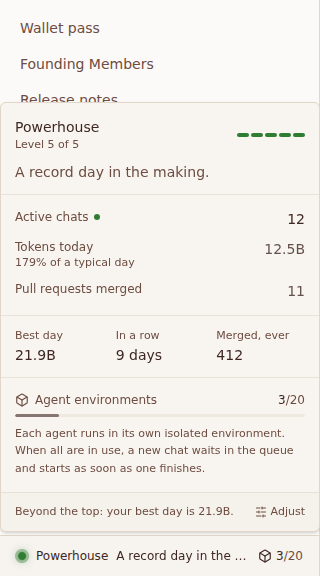
Level 5 is not the end. Past it, your best day is the next mark, and the day you pass it the pulse says so: a new best day.
Your first days
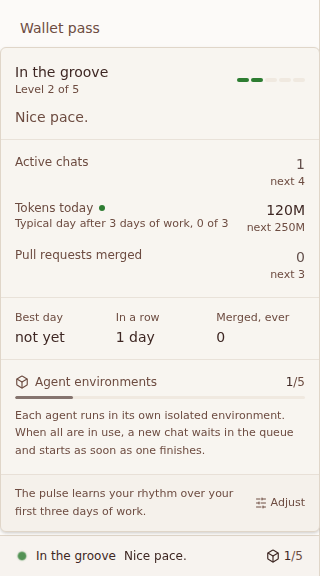
Before three days of work there is no typical day to compare with. The pulse then counts tokens against fixed steps, says it is learning your rhythm, and shows how many of those three days are behind you. From the fourth day it reads you against yourself.
Your own phrases and steps
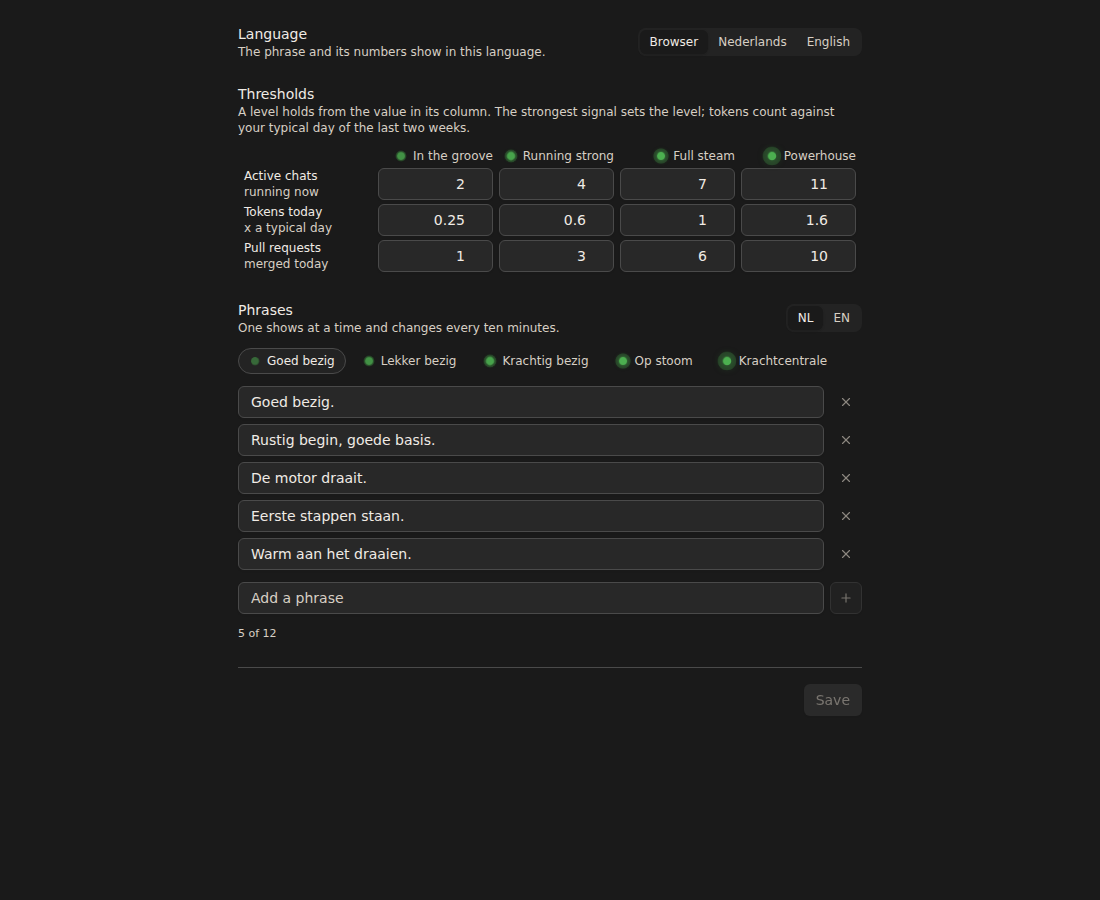
Settings, General, Session pulse. Choose the language (your browser's, Dutch or English), change the four steps of each signal, and add, edit or remove phrases per level and language, up to 12 per level and 80 characters each. One phrase shows at a time and changes every ten minutes, the same on every device. Reset to defaults goes back to n8v's own. Every change is in your audit log.
Over the API and MCP
GET, PATCH and DELETE /api/v1/session-pulse; MCP get_session_pulse and set_session_pulse. See the API reference.