Guide
What n8v can do, found by what you want to do, with a hint at the moment it would help
The Guide shows every feature your account has, when to reach for it, and the small things people miss. It reads your own chats and offers a hint when one would save you time: a fork when a second idea arrives in a busy chat, a fallback when a chat waits for a usage limit to reset, a prepared prompt when you type the same brief again.
The Guide is being rolled out and may not be on for your account yet.
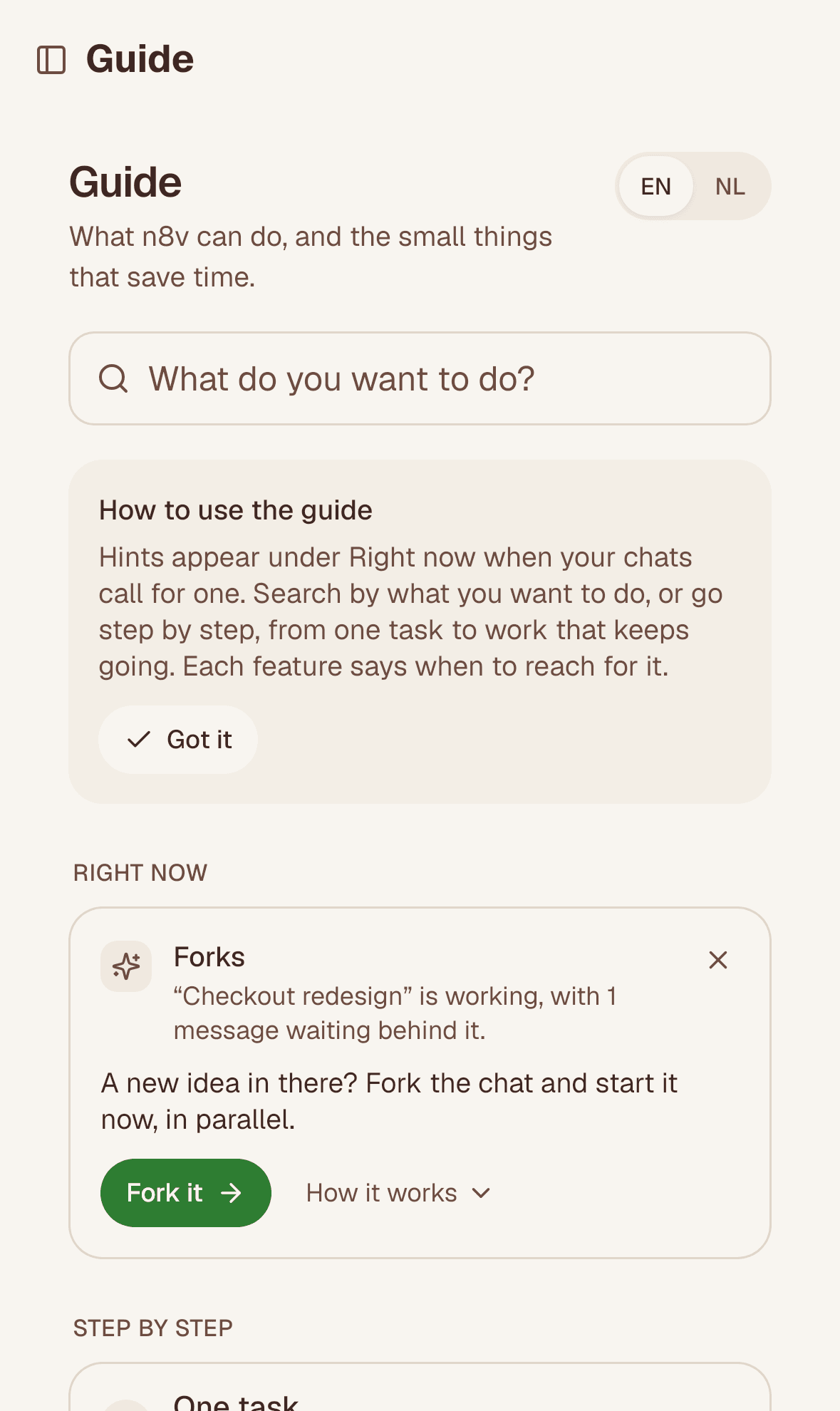
Layer 1: hints for right now
Open Guide in the sidebar. Under Right now you see what your chats call for, each with the fact it rests on:
| Moment | Hint |
|---|---|
| A chat waits for a usage limit to reset | Choose where chats go on at a limit |
| A held chat has two or more messages queued | Check what is queued: edit or remove what no longer fits |
| A busy chat has a message waiting behind it | Fork the chat and start the next idea now, in parallel |
| Three or more chats run at once | A supervisor keeps them moving while you step away |
| The same opening in three recent chats | Save it once as a prepared prompt |
| A pull request merged in the last day | Ask your assistant "is it live?" |
Fork it opens the chat with Fork ready. How it works opens a short explanation, and n8v's founder's own way of using the feature when he has given one. The sidebar shows a count only for hints you have not seen yet.
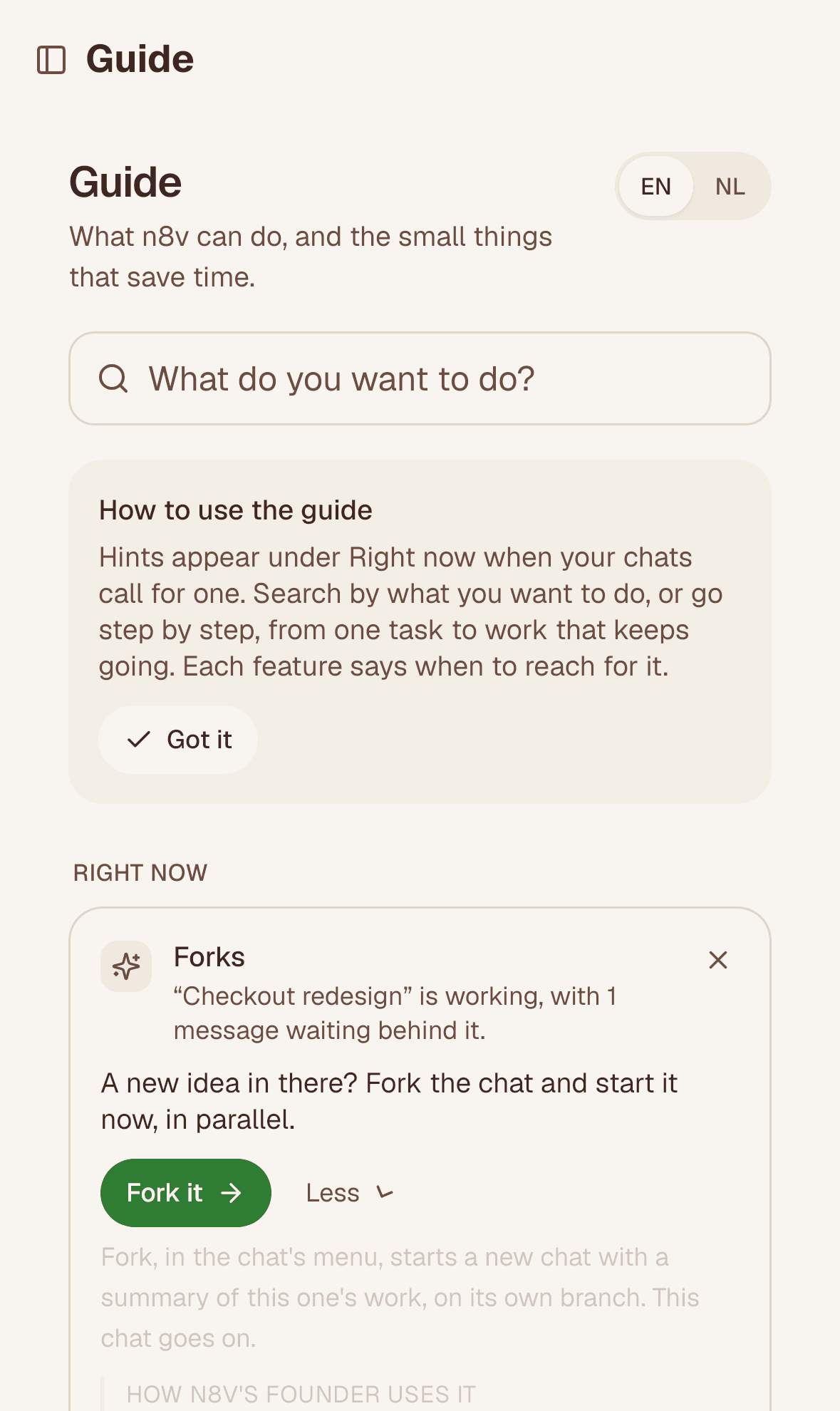
Layer 2: find by what you want to do
Type what you want in your own words, in English or Dutch: "run two things at once", "the model is at capacity", "twee dingen tegelijk". The Guide finds the features that fit, not only those with that name.
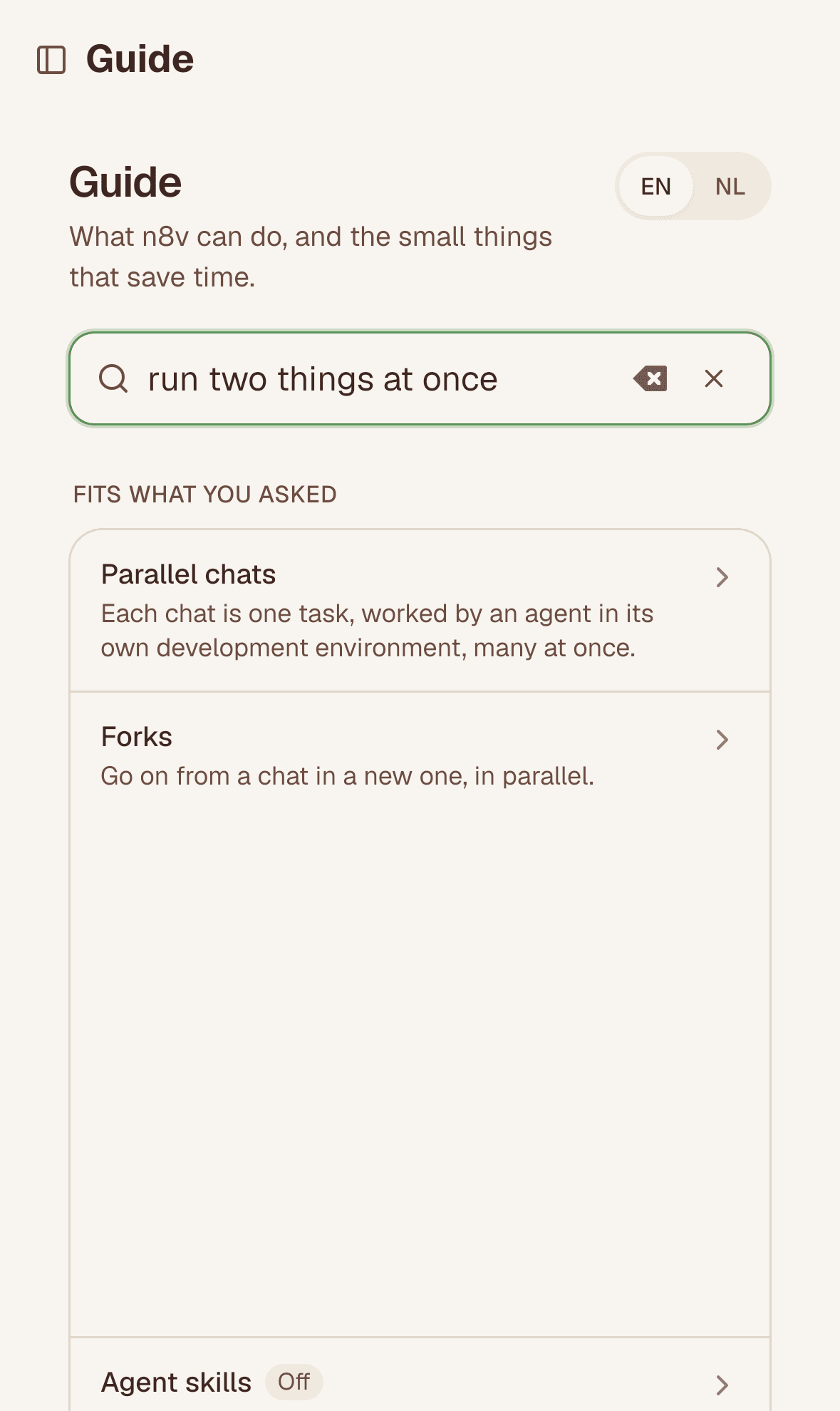
Layer 3: step by step
Below the hints, the Guide follows how far you take n8v, in five steps, each with the features that make it:
| Step | What it is | Features, for example |
|---|---|---|
| One task | Say what you want. | Follow-ups, the MCP server, how long a chat takes |
| In parallel | Hand out the next while it works. | Parallel chats, forks, why a chat waits |
| A team with a supervisor | Delegate to the one who runs them. | Supervisors, chats that talk to each other |
| Roles and a chart | Set up roles that don't write code. | Organizations, the Record |
| Beyond one setup | Lines of work that keep going. | Recurring messages, triggers, outbound calling |
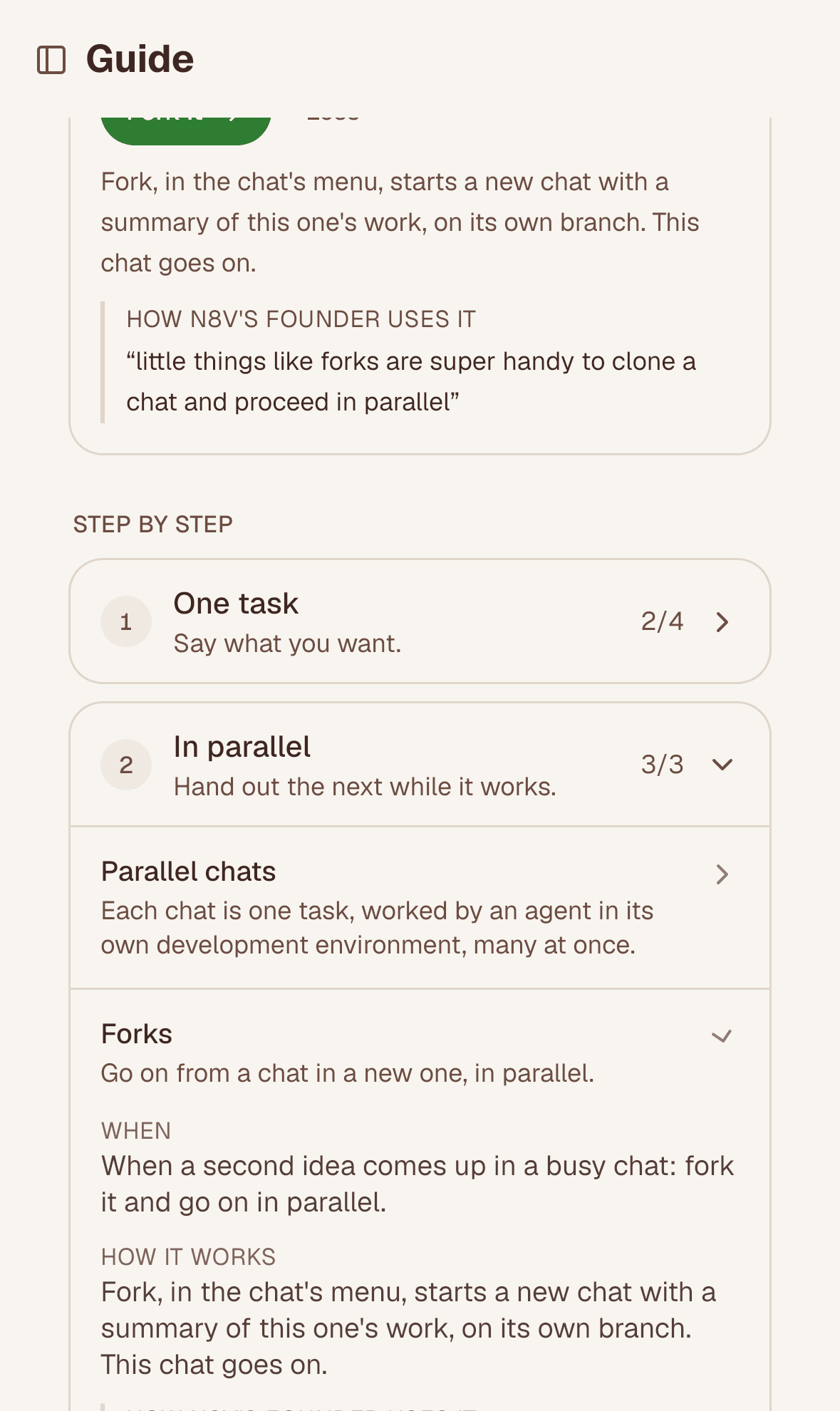
Layer 4: every feature, by area
Under Everything, by area, each area (Chats, Agents, Organizations, API and connectors, Models and subscriptions, Attachments) opens to its features. Each one says what it is, When to reach for it, How it works where that helps, and Try it, which takes you to the place in the app, on your own data. A feature that is off for you says Off and has Ask for it; one that is announced says Shipping soon, with what it will do and no date.
Never in the way
- A hint is counted once as shown. Not now puts it away for good, on every device and in your assistant.
- A hint stops once you have used the feature.
- For a feature that is off, the hint says so and offers Ask for it; nothing works around it.
- Tips from n8v's founder are his own words, with the day he gave them. The Guide never writes in his voice.
For assistants and scripts
| MCP tool | REST | Scope | Does |
|---|---|---|---|
list_features | GET /api/v1/guide | chats:read | Every feature by area with its step, or those that fit q |
get_feature | GET /api/v1/guide/features/{id} | chats:read | One feature, with its tips and where to try it |
get_hints | GET /api/v1/guide/hints | chats:read | What would help right now, with the reason |
dismiss_hint | POST /api/v1/guide/hints/{id}/dismiss | chats:message | Put a hint away for good |
ask_for_feature | POST /api/v1/guide/features/{id}/ask | chats:message | Ask for a feature that is off |
An assistant is told to offer one hint at a time, at a natural moment, and never to lecture. See the API reference for fields. Every hint shown, put away, tried or followed by a first use, and every request, is in the audit log under Guide.